> For the complete documentation index, see [llms.txt](https://docs.decentdao.org/app/llms.txt). Markdown versions of documentation pages are available by appending `.md` to page URLs; this page is available as [Markdown](https://docs.decentdao.org/app/user-guide/start/creating-a-project.md).
# Creating a Project
Project creation can be kicked off from the app homepage. The process differs depending on which governance type you elect. Find the governance type you wish to use below for a detailed, step by step, guide on how to configure your new project.
## Multisig
### **1. Get Started**
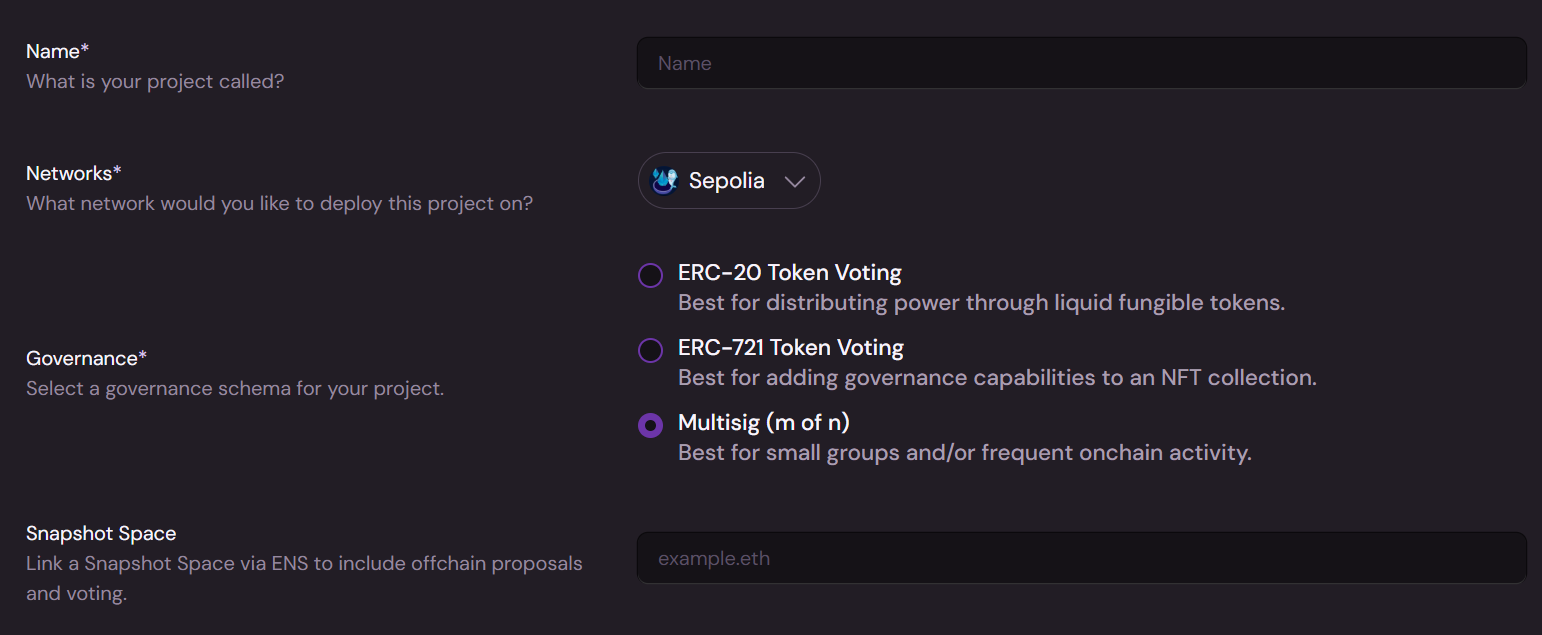
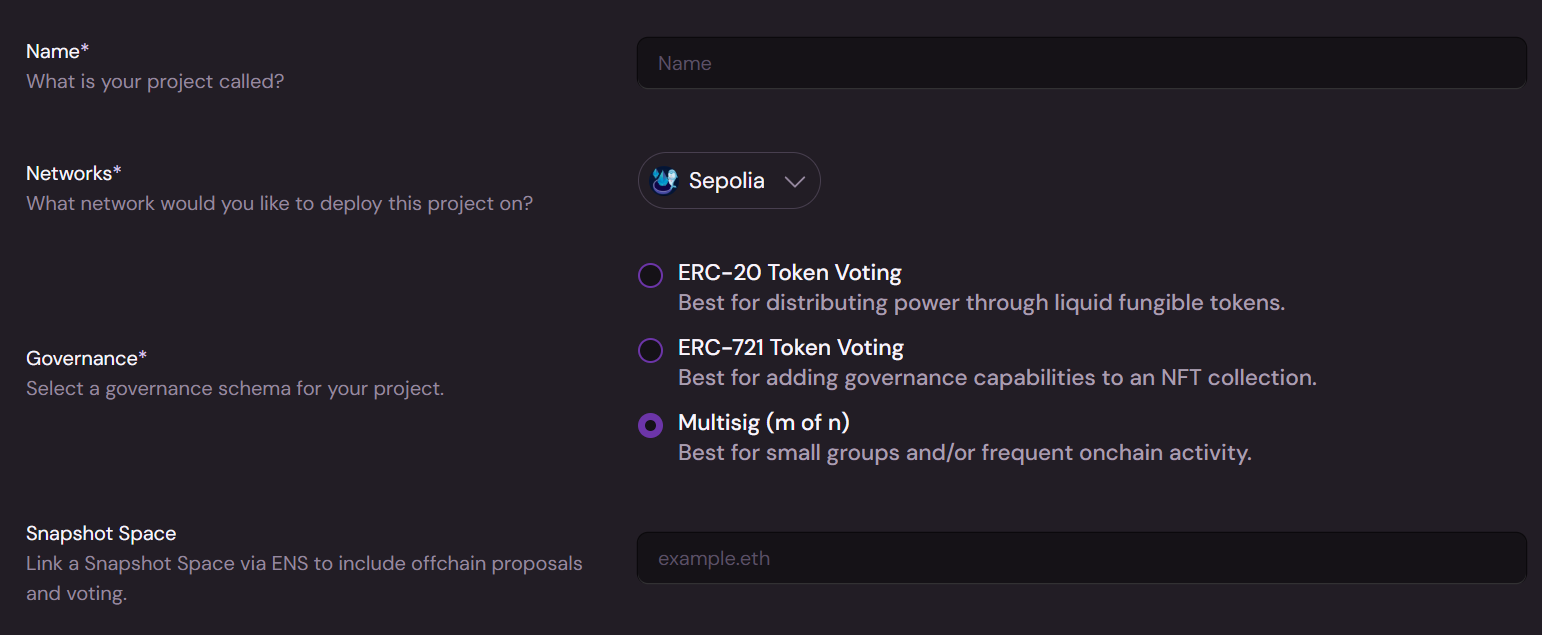
1. **Name**: What would you like your project to be called?
2. **Network**: Which network would you like to deploy your project on? Note that all transactions related to the project will be done using this network going forward.
3. **Snapshot Space**: Optionally associate a snapshot space with the project. Proposals on the snapshot space will appear in the project proposals list.
The name of your project and the snapshot space associated with it can be changed later in the project settings.
### **2. Configure Multisig**
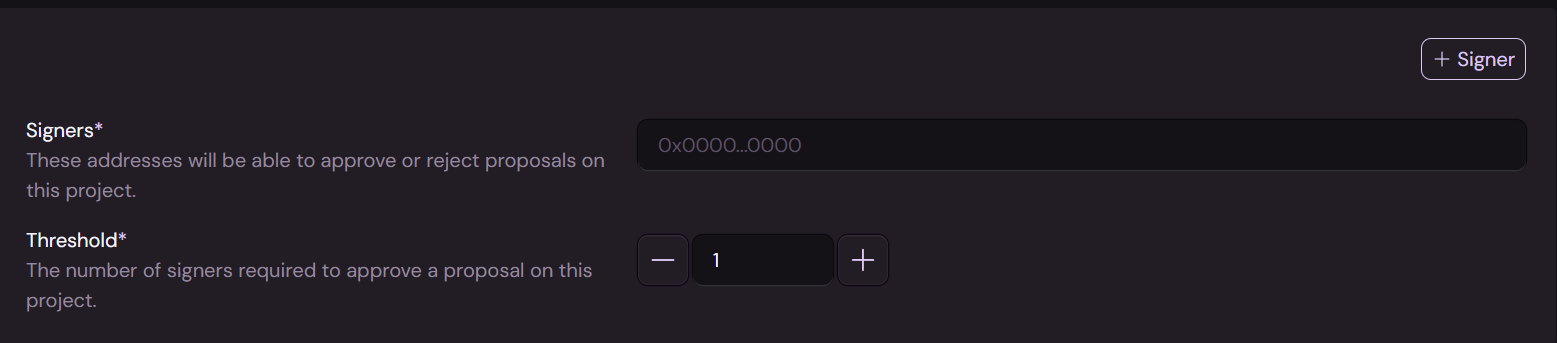
1. **Signers**: Which wallet addresses would you like to be designated as signers for this project? Only addresses in this list will be able to create or sign proposals.
2. **Threshold**: How many “approved” signatures does a proposal require to pass?
These values can be changed later in the project settings.
## ERC-20
### **1. Get Started**
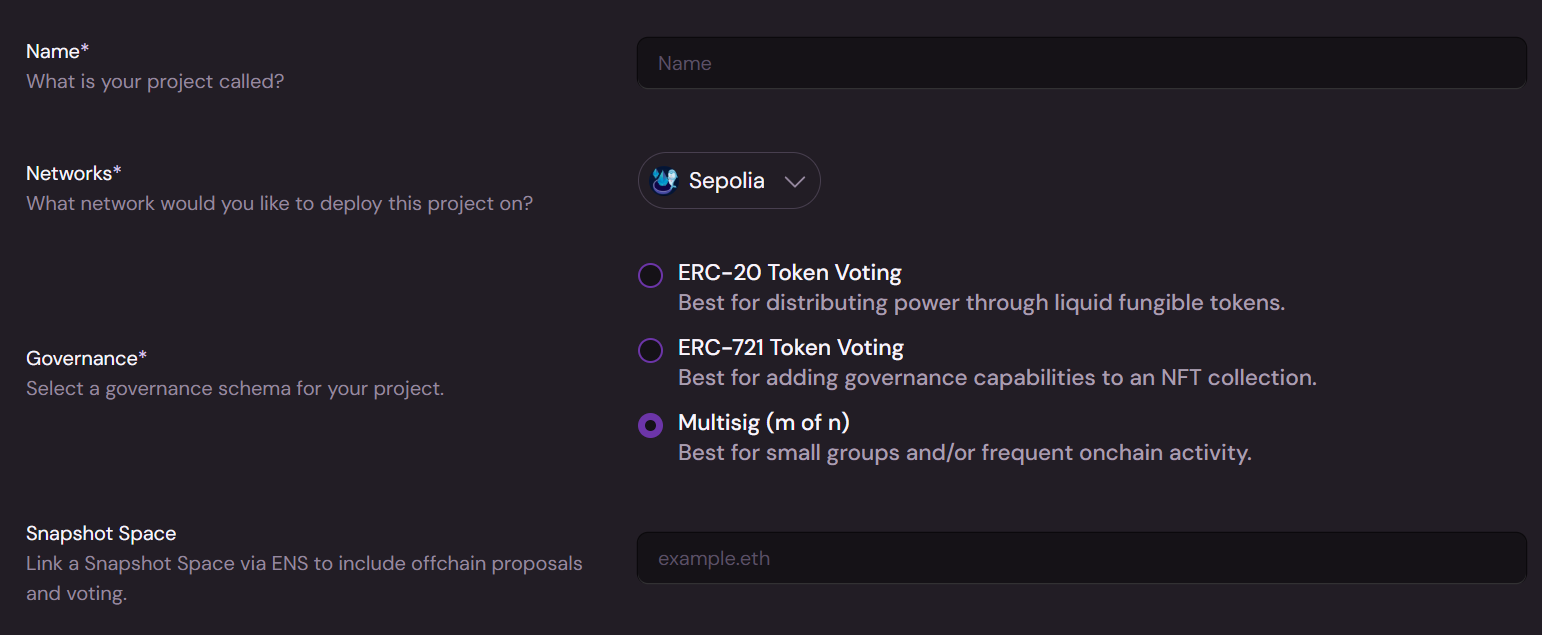
1. **Name**: What would you like your project to be called?
2. **Network**: Which network would you like to deploy your project on? Note that all transactions related to the project will be done using this network going forward.
3. **Snapshot Space**: Optionally associate a snapshot space with the project. Proposals on the snapshot space will appear in the project proposals list.
The name of your project and the snapshot space associated with it can be changed later in the project settings.
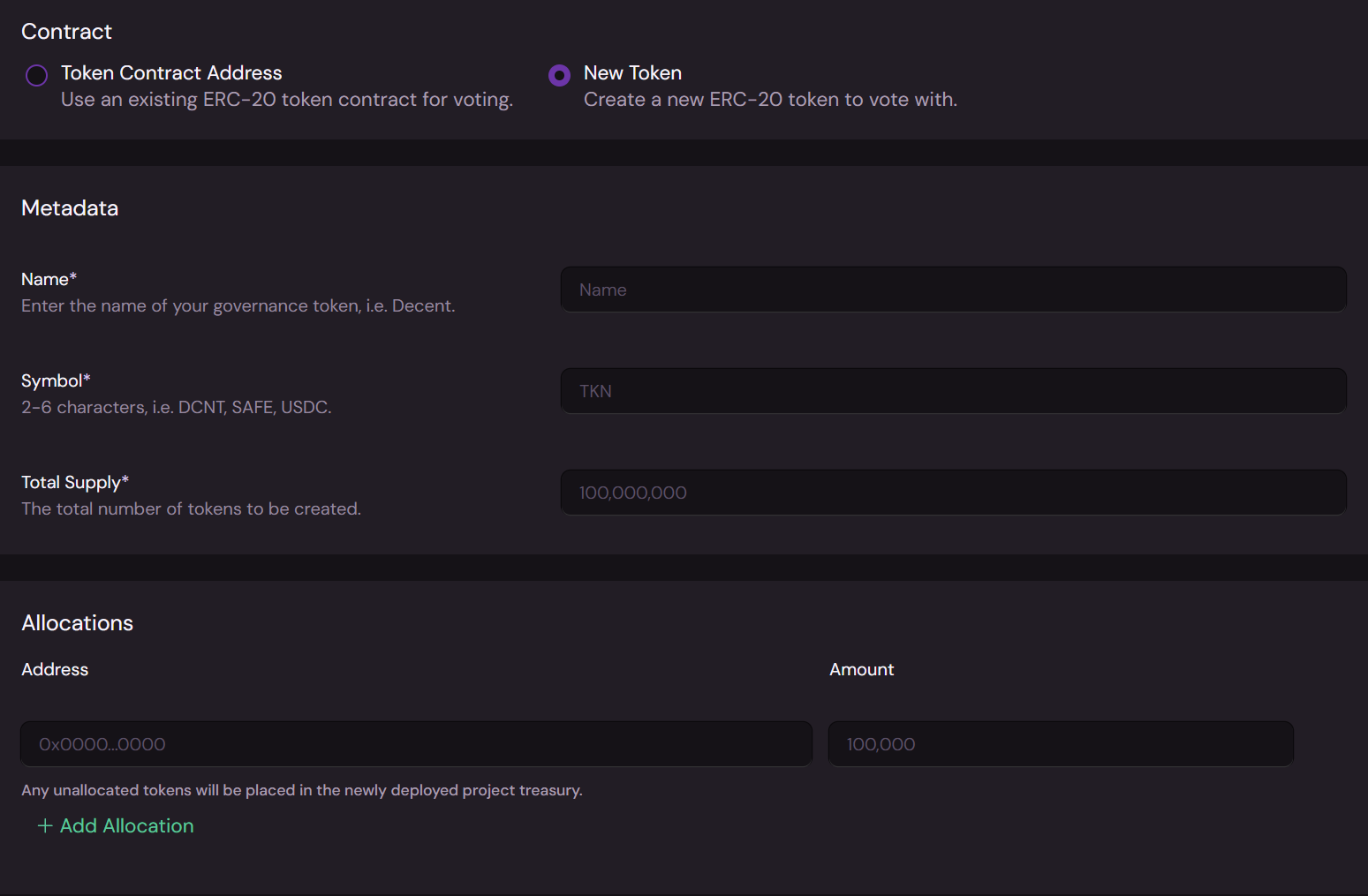
### **2. Configure ERC-20 Token**
1. **Contract**: Are you using an existing token or creating a new one?
2. **Name**: What do you want to name your token?
3. **Symbol**: What will the short form symbol for your token be?
4. **Total Supply**: How many tokens would you like to mint? Note that this supply is fixed and no further tokens can be minted at a later date! If you’re uncertain, mint more tokens to be safe.
5. **Allocations (new token)**: Who initially will be granted tokens? You don’t need to do all of your allocations now, but you’ll need to be sure to allocate enough tokens such that proposals can pass a vote.
{% hint style="info" %}
It’s very important to consider the quorum percentage that needs to be reached for proposals to pass when doing your initial allocations.
For example, if your total token supply is 100,000,000 and quorum is 4%, then you need to be sure that you’ve allocated at least 4,000,000 tokens to active wallets that you can count on to vote on your proposals.
{% endhint %}
### **3. Governance**
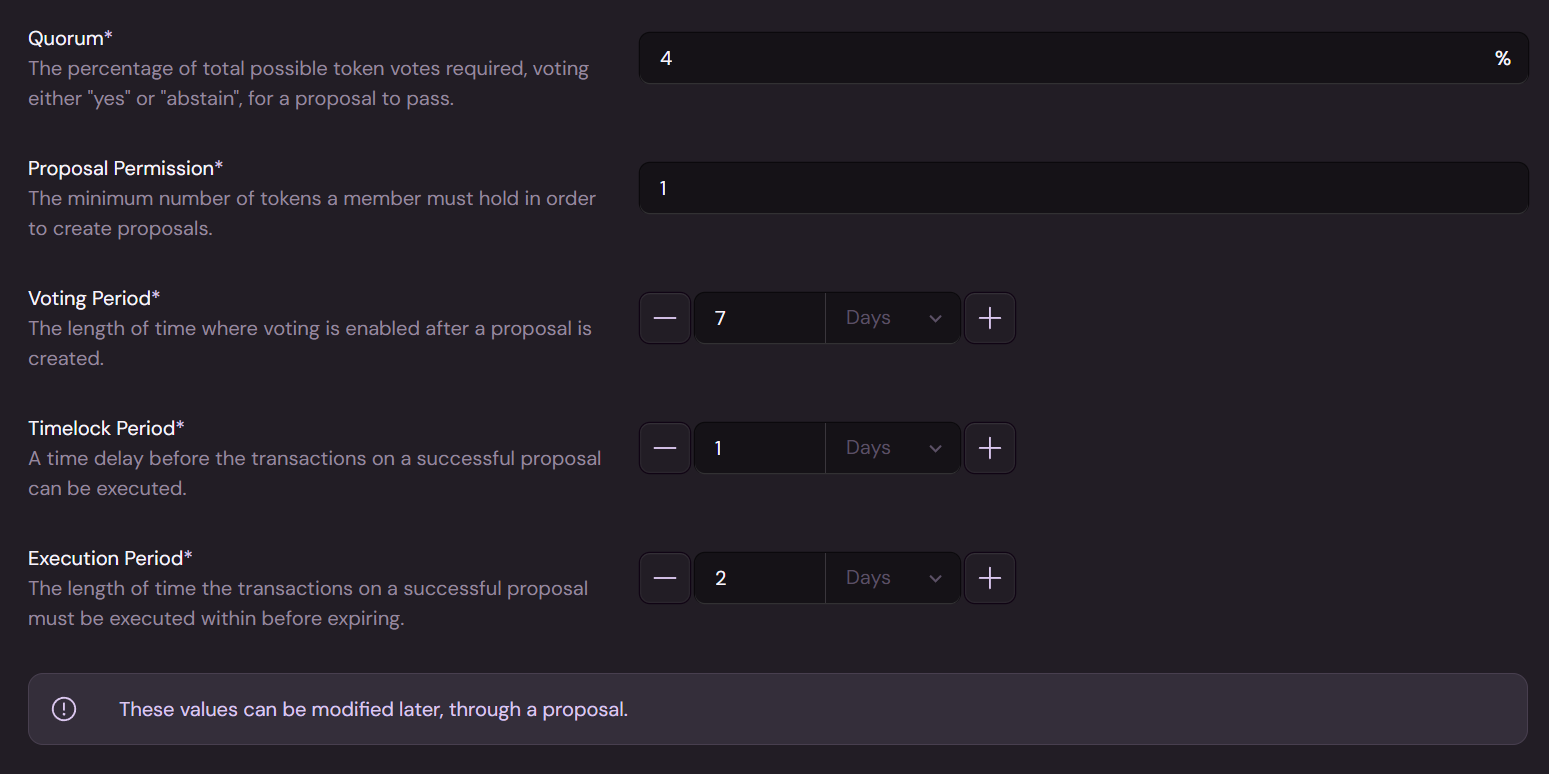
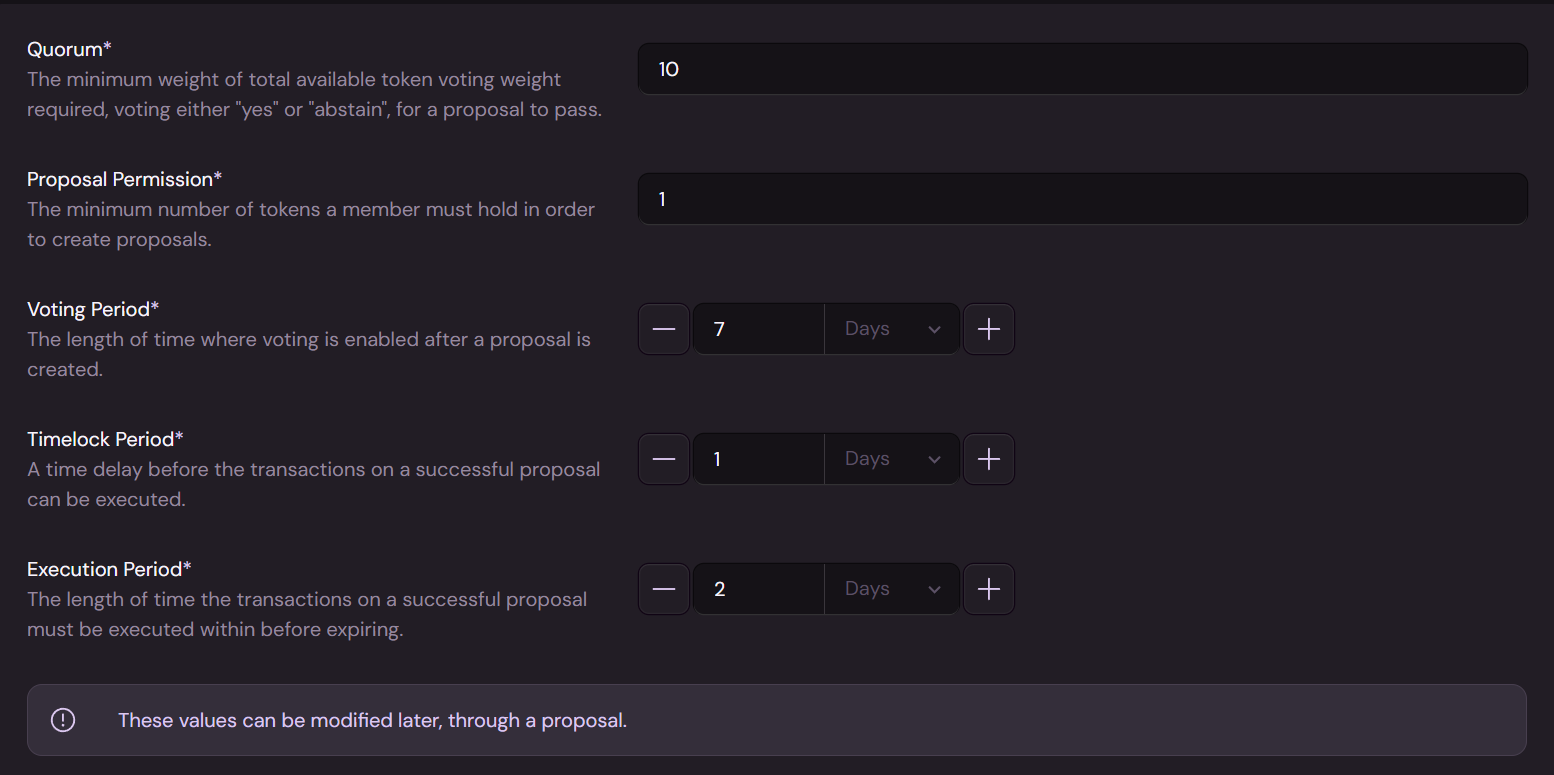
1. **Quorum**: What percentage of the total possible votes should be required for a proposal to pass? This ensures that a proposal can’t be pushed through with minimal participation.
2. **Proposal Permission**: How many tokens should a member be required to hold in order to create a proposal? By default, any token holder can create proposals, but you may set a higher token threshold. You can also change proposal permission to be role based after your project has been created.
3. **Voting Period**: How long will a proposal accept votes?
4. **Timelock Period**: Would you like to add a delay after a proposal passes before it can be executed? This is optional and can be set to zero.
5. **Execution Period**: How long will project members have to execute a passed proposal before it expires?
These values can be changed later in the project settings.
## ERC-721
### **1. Get Started**
1. **Name**: What would you like your project to be called?
2. **Network**: Which network would you like to deploy your project on? Note that all transactions related to the project will be done using this network going forward.
3. **Snapshot Space**: Optionally associate a snapshot space with the project. Proposals on the snapshot space will appear in the project proposals list.
The name of your project and the snapshot space associated with it can be changed later in the project settings.
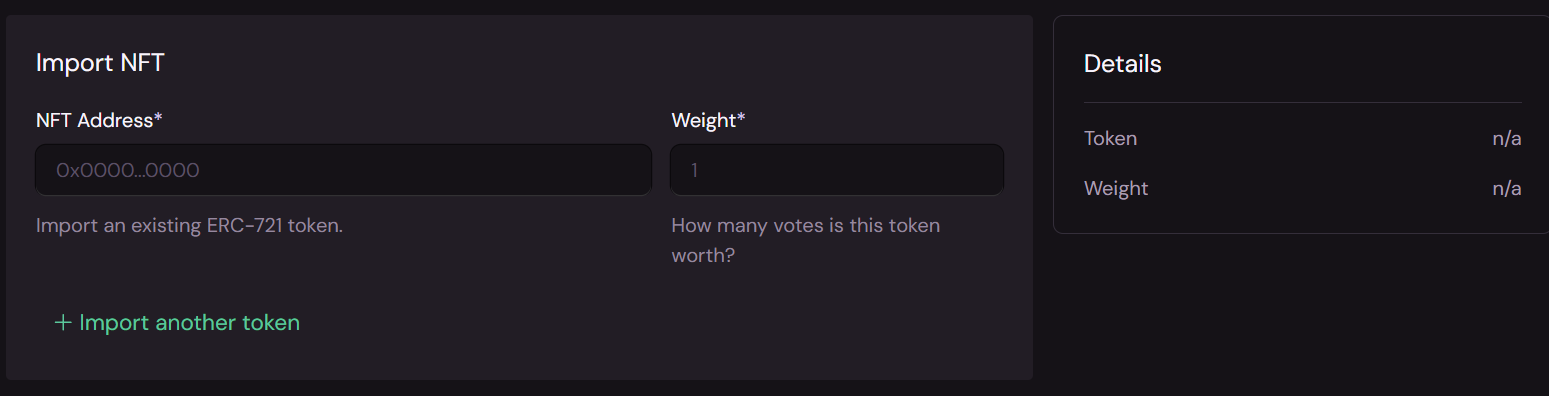
### **2. Configure ERC-721 NFTs**
1. **NFT Address**: Which NFT will be used as a voting token for this project?
2. **Weight**: How many votes is one copy of this NFT worth?
Note that you can add as many ERC-721 NFTs as voting tokens as you like with different voting weights, if desired.
Only importing existing ERC-721 NFTs is supported in project creation at this time.
### **3. Governance**
1. **Quorum**: How many votes should be required before a proposal can pass? This ensures that a proposal can’t be pushed through with minimal participation.
2. **Proposal Permission**: How many tokens should a member be required to hold in order to create a proposal? By default, any token holder can create proposals, but you may set a higher token threshold. You can also change proposal permission to be role based after your project has been created.
3. **Voting Period**: How long will a proposal accept votes?
4. **Timelock Period**: Would you like to add a delay after a proposal passes before it can be executed? This is optional and can be set to zero.
5. **Execution Period**: How long will project members have to execute a passed proposal before it expires?
These values can be changed later in the project settings.